Small Photo Sizes for Journals
A full 4x6 print covers most of a journal page and leaves no room to write. Smaller photos (2x3, 2x2 or a tiny square) sit next to your words instead. Labs don't sell these sizes, but several fit on one 4x6 sheet, and you cut them apart at home.
Updated
Which size suits your page
An A5 journal page is about 5.8 by 8.3 inches, and a slim travel-style notebook is about 4.3 inches wide. Measure the space you want to fill, leave room for the margin and your writing, then pick the closest size.
| Size | Works well for | Print it as |
|---|---|---|
| 2x3 (wallet) | One photo per entry on an A5 page, or the full width of a slim notebook | Four 2x3 wallet photos on borderless 4x6, or Four 2x3 wallet photos on 5x7 |
| 2x2 square | A row of two or three photos across a page | Six 2x2 photos on borderless 4x6 |
| 1.5-inch square | Daily spreads, planner boxes and margins | Six 1.5-inch squares in the Layout Constructor |
| 3x3 square | A single feature photo | Two per 4x6, as in the baby book guide |
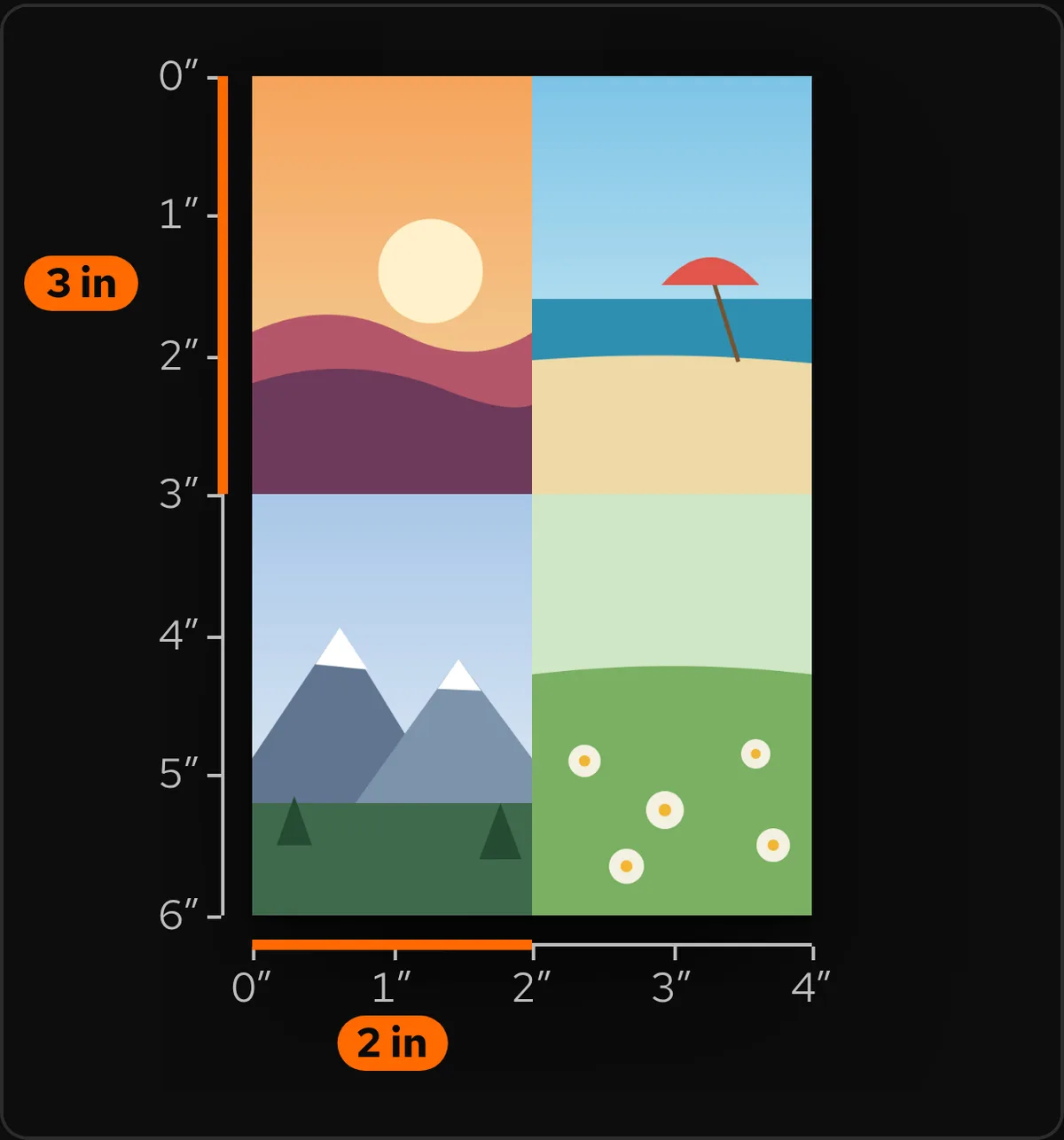
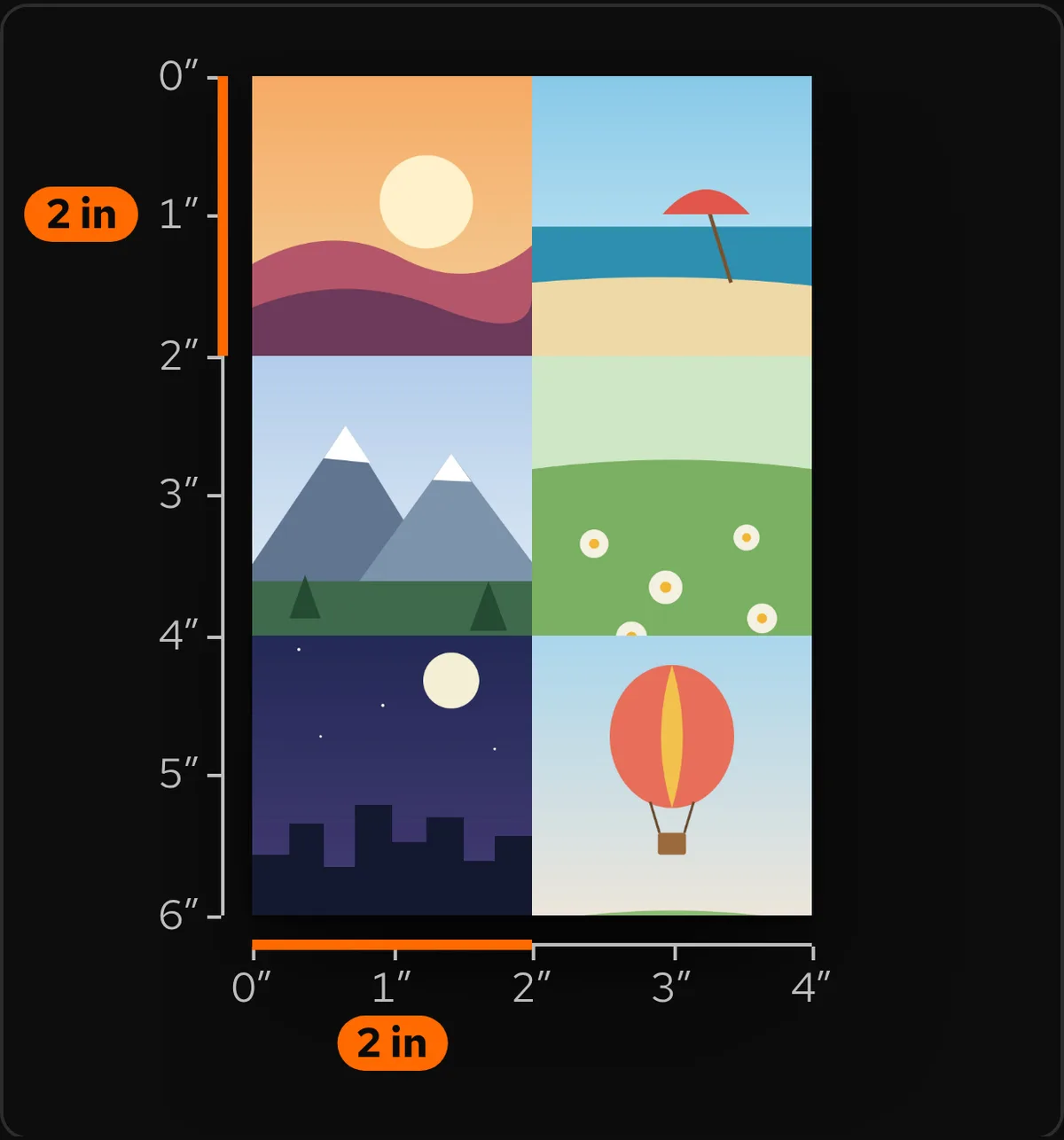
For any other size, such as a 2.5x3.5 card or a 4x5 cm photo, set the width, height and number of photos in the Layout Constructor. It works in inches or centimeters and lays the photos out on 4x6, 5x7 or larger paper.
Home printer or photo lab?
A home printer lets you choose the paper: matte photo paper takes pen better than glossy, and thinner paper keeps a journal from bulging. Print the PDF at actual size, or 100%, and try the free test print (marked “TEST PRINT”) on plain paper first. The Print Instructions cover the printer settings.
At a lab, each 4x6 sheet costs the same as one ordinary 4x6 print. Order the sheet's JPG as a normal 4x6 and keep the lab's default crop.
The wallet and 2x2 sheets use the whole page, so at home they need borderless printing. A lab may trim about 1 mm from the photos along the outer edge, which is rarely noticeable on a journal page.
Cutting small photos neatly
Cut Guides on the sheet mark every photo edge. A small paper trimmer makes quick, straight cuts; for tiny squares, a craft knife and a metal ruler are easier to control than scissors. Rounding the corners with a corner punch hides any small wobble.